Aether Editor
Aether Editor
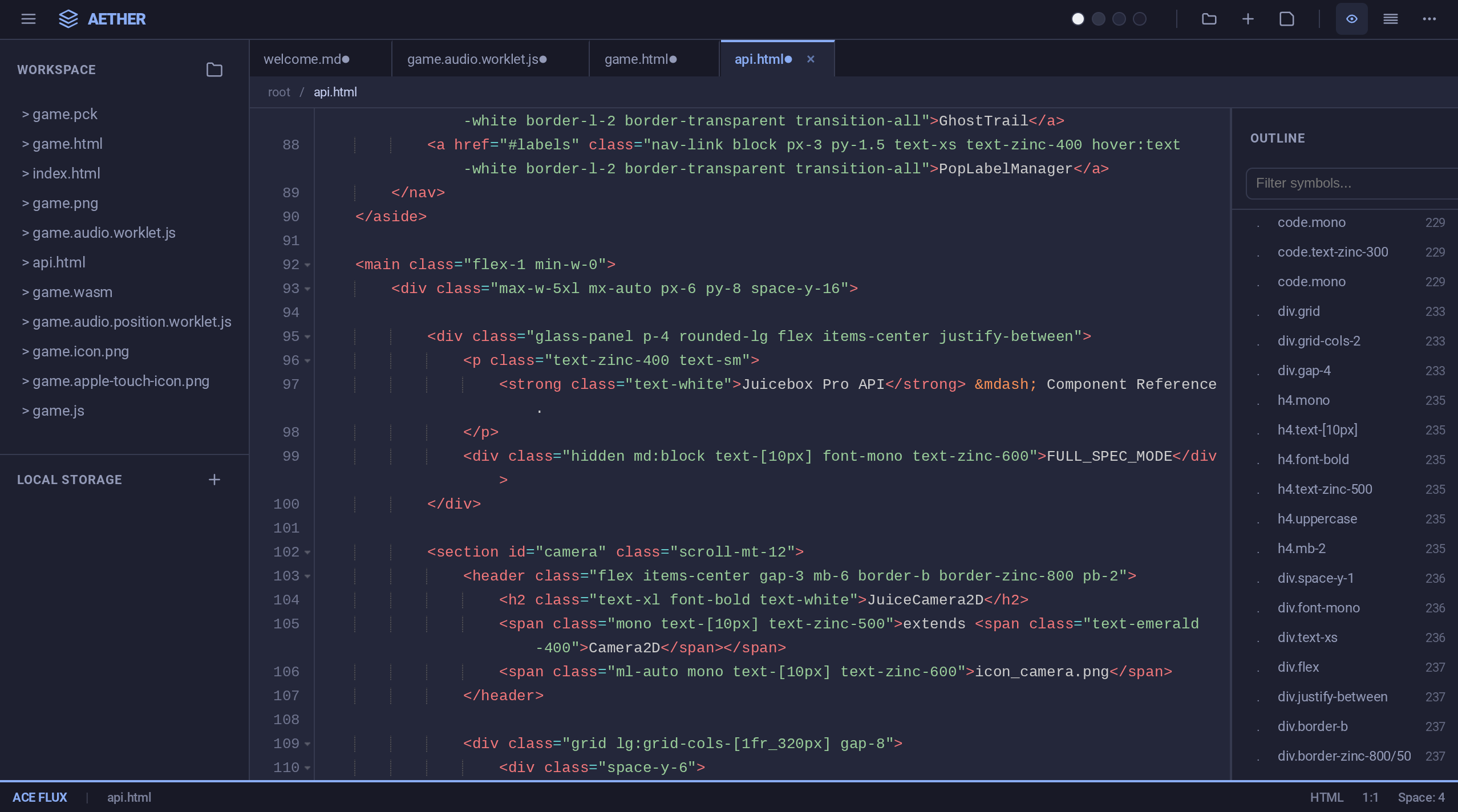
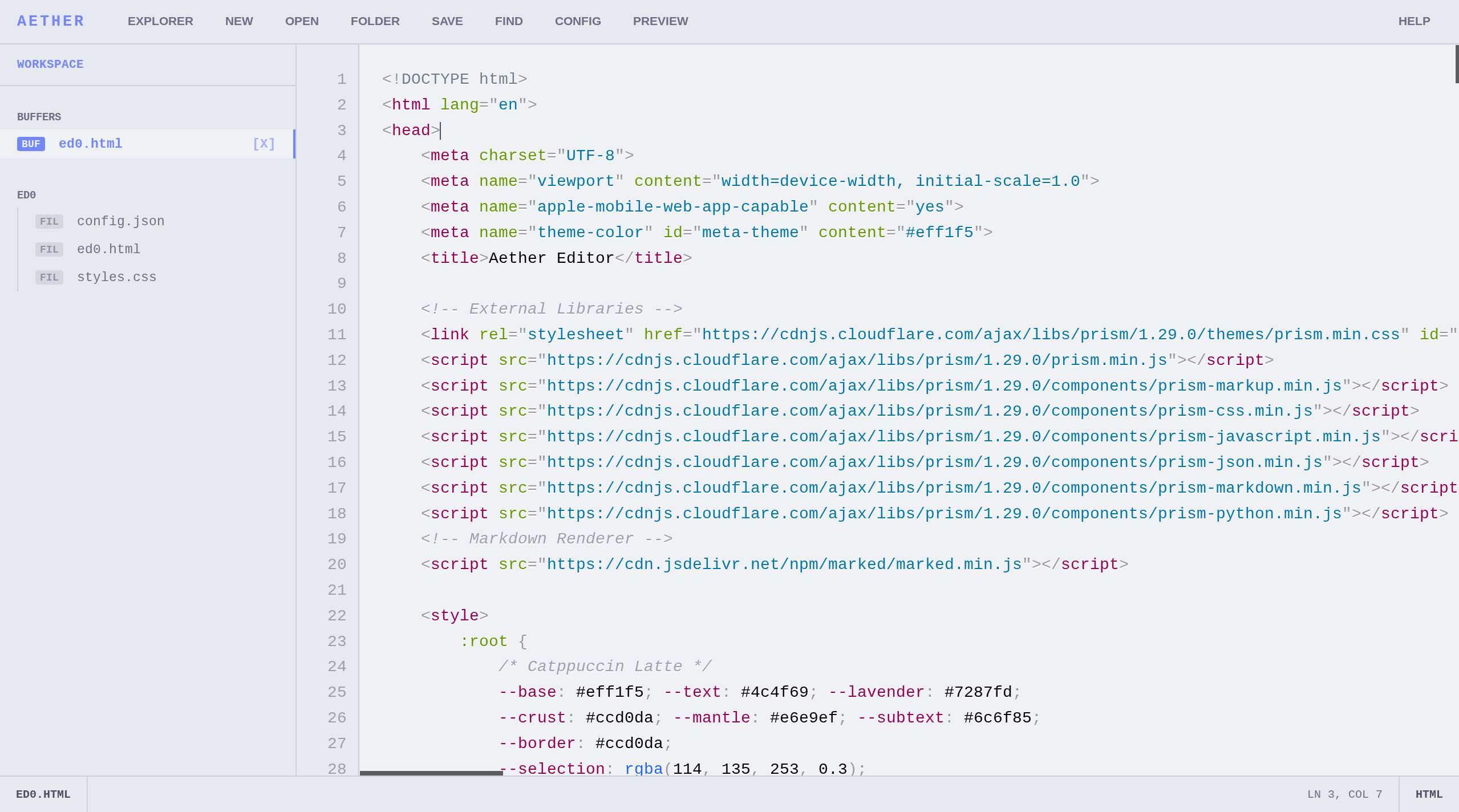
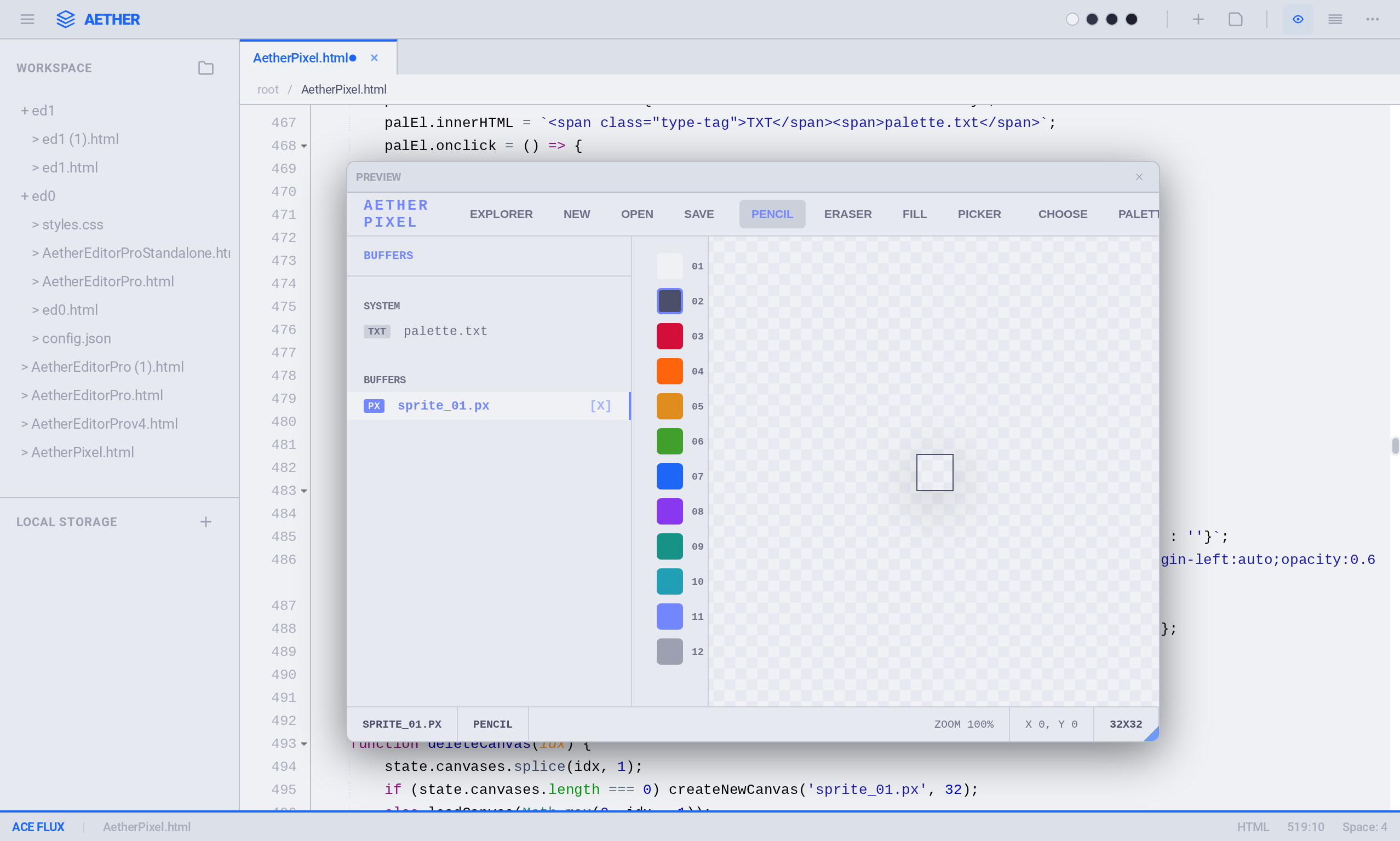
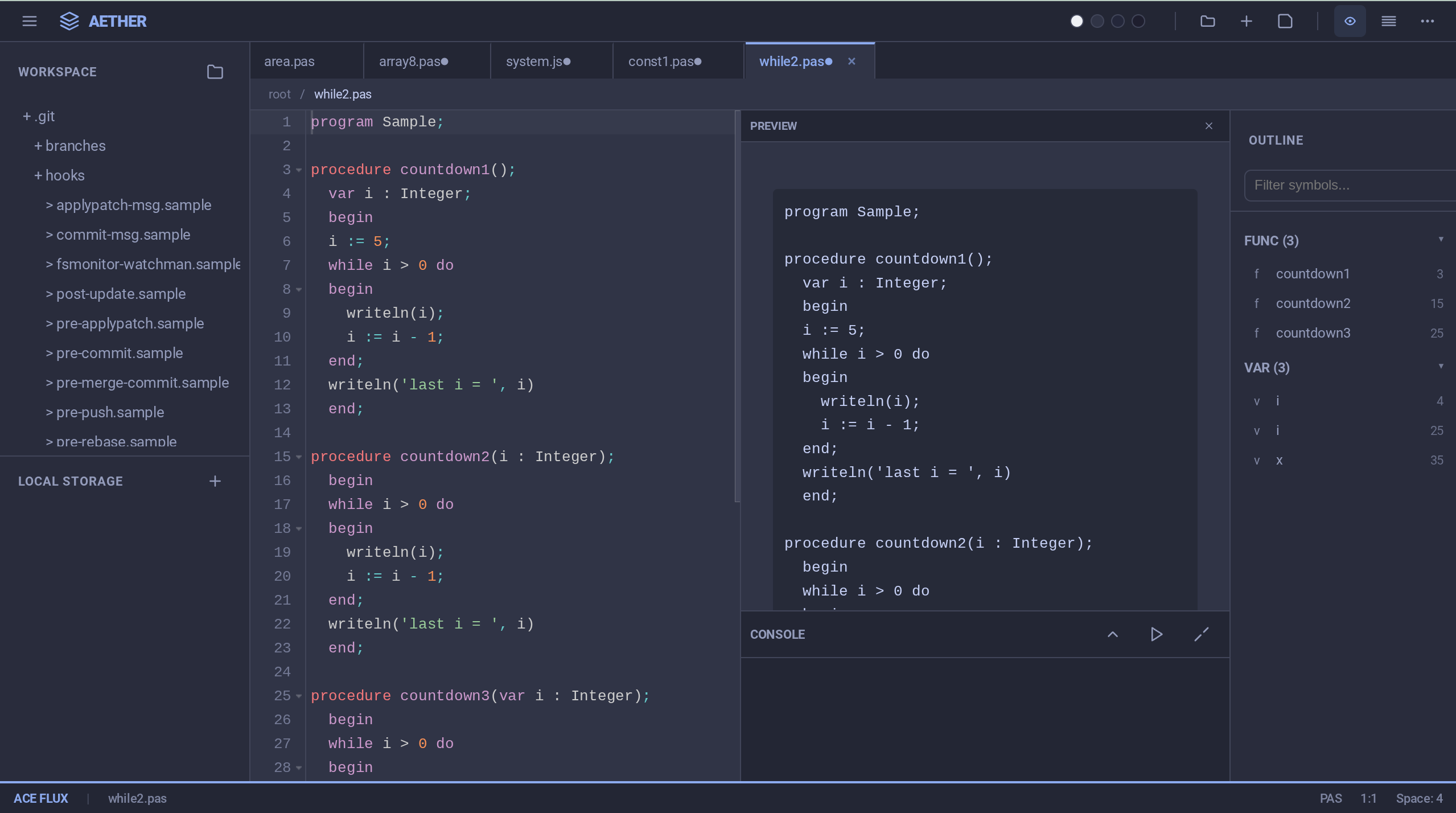
Aether is a local-first, buffer-based text editor running entirely in the browser (Vanilla JS). It leverages the W3C File System Access API to bridge the gap between web context and native file manipulation, allowing for direct read/write operations on the user's disk without cloud intermediaries.
Architecture & Stack
- Core: Built with Vanilla JavaScript to minimize dependency overhead.
- File I/O: Utilizes
FileSystemFileHandleandFileSystemDirectoryHandlefor native file interaction. - Persistence: File handles are serialized to IndexedDB, maintaining workspace state across sessions/refreshes.
- Rendering:
- Prism.js: Tokenization and syntax highlighting (JS, CSS, HTML, Python, Markdown).
- Marked.js: Client-side Markdown compilation for the live preview pane.
Workflow
Buffer Management The editor treats files as in-memory buffers.
- Single File: Opens via
showOpenFilePicker(). - Workspaces: Opens via
showDirectoryPicker(). The editor recursively parses the directory structure to populate the sidebar DOM.
Permissions Due to browser security models regarding the File System Access API, permissions are non-persistent by default. On page reload, Aether retrieves the stored handle from IndexedDB but will prompt for re-verification (read/write access) before modifying files.
Configuration
Runtime configuration is handled via a virtual buffer. Access the config by opening the virtual file config.json via Ctrl + K.
Key Bindings
I/O Operations
- Ctrl + O: Invoke
showOpenFilePicker. - Ctrl + Shift + O: Invoke
showDirectoryPicker. - Ctrl + S: Write buffer to disk (
createWritable). - Ctrl + N: Initialize new scratch buffer (memory only until saved).
View & Navigation
- Alt + B: Toggle File Explorer (Sidebar).
- Alt + P: Toggle Markdown Preview pane.
- Ctrl + F: Find/Replace regex interface.
- Tab: Soft indent (4 spaces).
Browser Compatibility
Requires a browser environment supporting the File System Access API.
- Target: Chromium-based browsers (Chrome, Edge, Opera, Brave).
- Status: Firefox (Gecko) currently does not support the full API specification required for direct directory write access.
Download
Click download now to get access to the following files:
Leave a comment
Log in with itch.io to leave a comment.